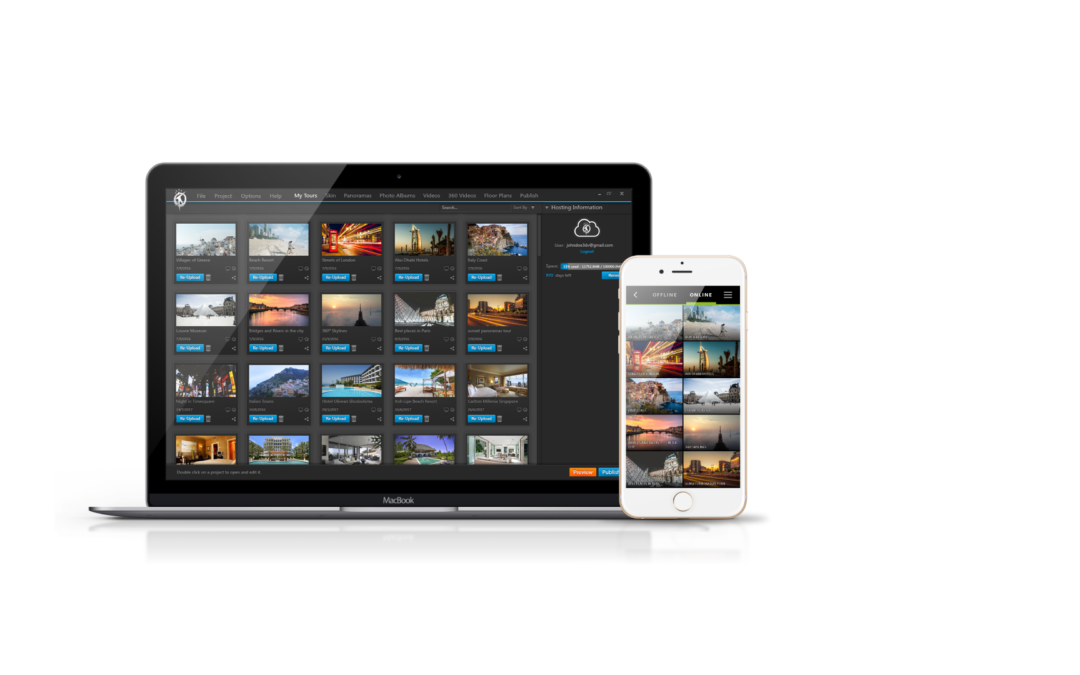
This is what’s new in VT PRO’s beta version (What is the beta version? Click here to find out) We are talking about VT PRO beta here, yes – But, all these features will be implemented in the normal 3DVista Virtual Tour PRO software very soon, too. *...
Here’s what’s new: * The application now shows you the option to apply the Panorama Pose if it is found in the metadata. This means that if you’re using a one-shot 360º camera and it wasn´t perfectly levelled when you took a panorama, the software...
Just a couple of weeks ago, we announced the separate launch of our BETA line, which is essentially the future version of our 3DVista Virtual Tour PRO. You can download it as a separate program onto your computer (so you can keep your "normal" Virtual Tour PRO and go...
Probably one of the biggest updates to date. Here’s everything that’s new in your 3DVista VT PRO: Windows: The application now supports 64 bits native version. This takes advantage of the full performance capacity of today’s hardware allowing the...
We constantly update our software and tour players to give you and your audience the best virtual experience – no matter their device and connection. That’s why, in general, we recommend you periodically republish your tours to make their underlying tech...