
How to View Your Virtual Tours on Specific VR Devices (Quest, Pico, HTC)
Simplify and Optimize the Publication of your Virtual Tours for VR In response to the growing popularity of virtual reality devices, 3DVista has implemented significant improvements in tour publishing options. We introduce a new mode that allows you to publish your...
3DVista Notes (Tutorial)
Boost Collaboration with 3DVista Notes in Your Virtual Tours Are you ready to take your virtual tours to the next level of interaction and collaboration? 3DVista introduces "Notes," an optional service designed to enhance your projects like never before. In this post,...
First Person View for 3D Models
We announce a new feature that will increase the creative possibilities of your Virtual Tours. 3DVista presents the new way of visualizing 3D models As you already know, for some time now, 3D models can be displayed in VTPro in two different ways: Orbital mode,...
How to see your tours offline on Meta Quest 2 from the browser
As you already know, you have the option to upload your tours directly to your device and use the 3DVista VR app to view them offline. You can see how to use this method here. However, there is a workaround that will allow you to view your tours offline on Meta Quest,...
How to see your tours offline on Pico devices from the browser
As you already know, you have the option to upload your tours directly to your device and use the 3DVista VR app to view them offline. You can see how to use this method here. However, there is a workaround that will allow you to view your tours offline on Pico...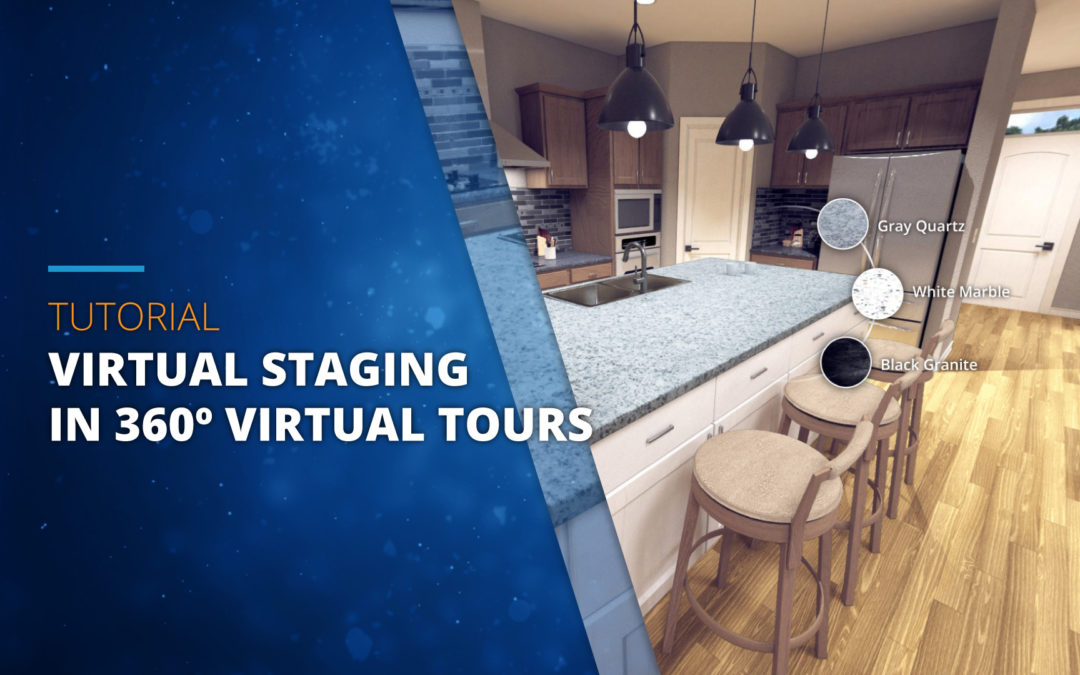
Virtual Staging & Design Options for Virtual Tours
Lease, rent and sell Homes – easier and faster There's probably no need to dive deep into the explanation of the value that virtual staging has in construction and real estate. The numbers speak for themselves and considering that the purchase of a home is an...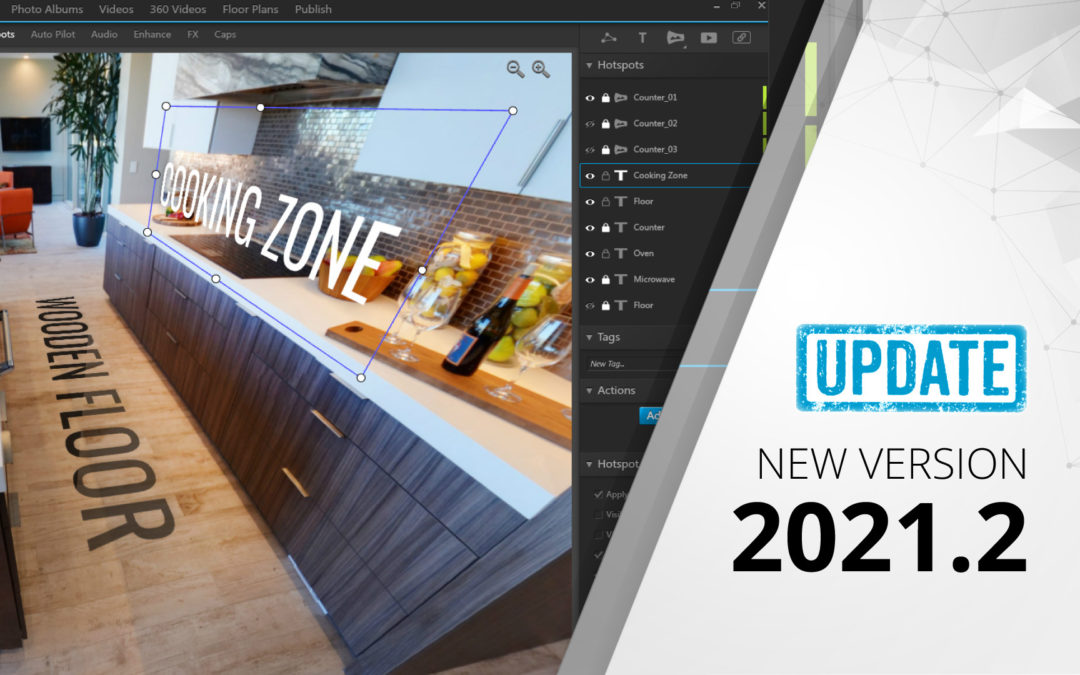
Update 2021.2: Introducing the New Hotspot Editor
The most important additions are: New Hotspot Editor in 360ºThe new hotspot editor lets you work in the actual spherical environment, which means you place your hotspots in the exact same view as your audience will see the tour later. You can work in "Free...
Introducing 3DVista VR App for Pico devices
View your tours offline on Pico devices How to watch virtual tours easily and offline on Pico Devices? Nothing's easier than that. With the new 3DVista VR App for Pico, for free to download from the Pico Store, you can now view your tours on the Pico Neo 3, Pico 4 and...
Introducing 3DVista VR App for Meta Quest
View your Virtual Tours offline How to watch virtual tours easily and offline on Meta Quest? Nothing's easier than that. With the new 3DVista VR App, for free to download from the Meta Store, you can now view your tours in the most easy and native way. No more need to...
Choosing a Host in LGT Sessions
LGT: Choose your Host In Live Guided Tours, we know that we can have several hosts at a time. But is there a way to separate the hosts and to let guests choose whom to talk to? An example: If a guest is interested in Property Development A, they can talk to their...